
Creating a productive home office environment can make a significant difference in your work efficiency and overall well-being. Whether you’re new to remote work or looking to improve your existing setup, small changes can lead to big improvements. This guide provides practical tips to help you design a home office that encourages focus, comfort, and balance.
Choose the Right Location
Finding the ideal spot for your home office is the first and most important step. Look for a quiet area with minimal distractions. If possible, select a space that is separate from your daily living areas to help maintain a clear boundary between work and personal time.
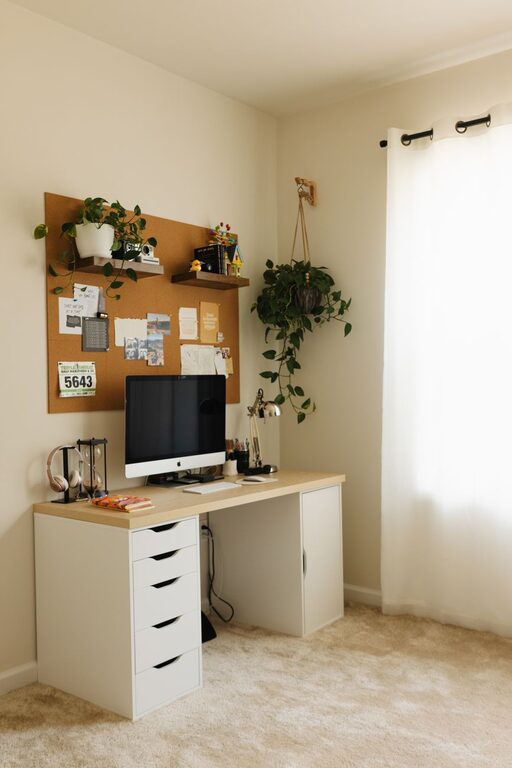
Consider Natural Light
Natural light can boost your mood and energy levels. Try to position your desk near a window where you can benefit from sunlight throughout the day. If natural light is limited, invest in good quality lighting that mimics daylight.
Invest in Ergonomic Furniture
Comfort is key to productivity, so choose furniture that supports your body and allows you to work for extended periods without discomfort.
– Desk: Select a desk with enough surface space for your computer, essentials, and some room to stretch out.
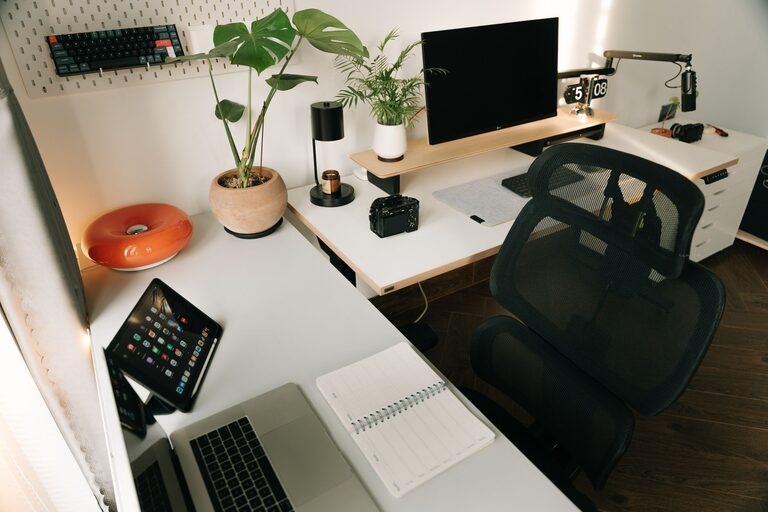
– Chair: A good ergonomic chair with adjustable height, lumbar support, and comfortable cushioning can prevent back pain.
– Accessories: Consider a keyboard tray, monitor stand, or footrest to improve posture.
Organize Your Workspace
An organized workspace reduces stress and saves time by making it easy to find what you need.
– Use storage solutions like shelves, cabinets, or drawers to keep supplies tidy.
– Declutter regularly, removing unnecessary items.
– Use cable organizers to manage cords and keep surfaces clear.
Minimize Distractions
Distractions can derail your focus quickly, especially at home. Try these strategies to stay on track:
– Turn off notifications for non-work apps during your work hours.
– Use noise-canceling headphones or listen to background music if ambient noise is disruptive.
– Inform family or housemates of your schedule to minimize interruptions.
Establish a Routine
A consistent daily routine helps your mind transition into work mode and maintain productivity.
– Set regular working hours and stick to them.
– Include breaks to stretch, move around, and rest your eyes.
– Start your day with a to-do list or prioritized tasks.
Personalize Your Space
Adding a personal touch can make your home office a pleasant place to spend time and keep motivation high.
– Decorate with plants, artwork, or photos that inspire you.
– Choose colors and textures that you find calming or energizing.
– Keep a reusable water bottle or snacks nearby to stay hydrated and fueled.
Use Technology Wisely
Technology is essential for most home offices, but it can also be a source of distraction if not managed properly.
– Use productivity apps to organize tasks and track deadlines.
– Ensure your internet connection is reliable to avoid interruptions during calls or meetings.
– Keep your software and hardware updated for optimal performance.
Maintain Work-Life Balance
One challenge of working from home is separating work time from personal time.
– Set clear boundaries, such as closing your office door or switching off your computer at the end of the day.
– Avoid working in areas associated with relaxation, like your bed or couch.
– Take time to unwind after work to refresh your mind.
Keep It Clean and Comfortable
A clean and comfortable environment promotes focus and reduces stress.
– Clean your workspace regularly.
– Adjust temperature and ventilation to your liking.
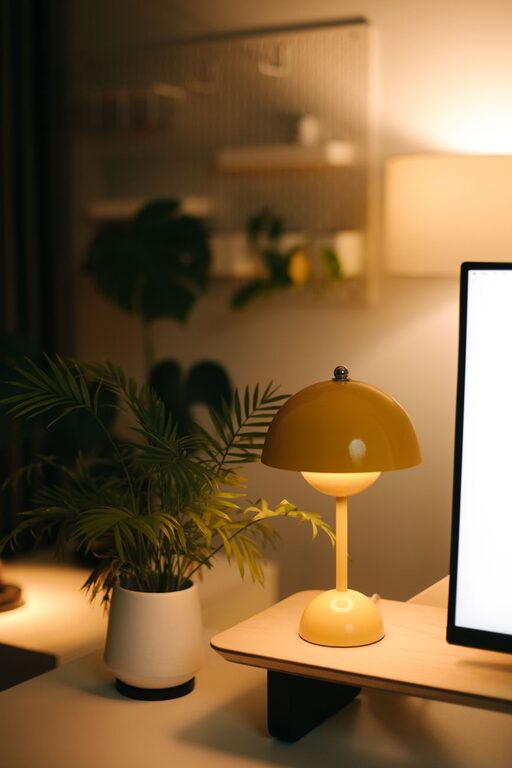
– Use comfortable lighting that doesn’t strain your eyes.
—
By paying attention to these details, you can create a productive home office environment that supports your work goals and wellbeing. Remember, the best setup is one tailored to your individual needs and work style. Experiment with these tips to find what works best for you.
About the Author