
Creating a clutter-free and efficient home workspace is key to staying productive and motivated throughout the day. Whether you work remotely, study, or handle personal tasks, having an organized area can reduce distractions and boost your mental clarity. Here are practical tips to help you set up and maintain a home workspace that works for you.
Choose the Right Space
Pick a Dedicated Area
Select a spot in your home that’s quiet and minimizes interruptions. This could be a spare room, a corner in your living area, or even a dedicated desk in your bedroom. The important part is having a consistent place to work.
Consider Natural Light and Comfort
Position your workspace near a window if possible to benefit from natural sunlight, which can improve mood and energy. Make sure your chair and desk height support good posture to prevent discomfort during long work sessions.
Declutter Before Organizing
Clear Everything Out
Start by removing all items from your workspace. This gives you a fresh canvas to think about what you really need.
Sort and Purge
Group items into categories like supplies, documents, and personal items. Discard or donate anything that is no longer useful or relevant to your work. Aim to keep only essentials within arm’s reach.
Invest in Smart Storage Solutions
Use Vertical Space
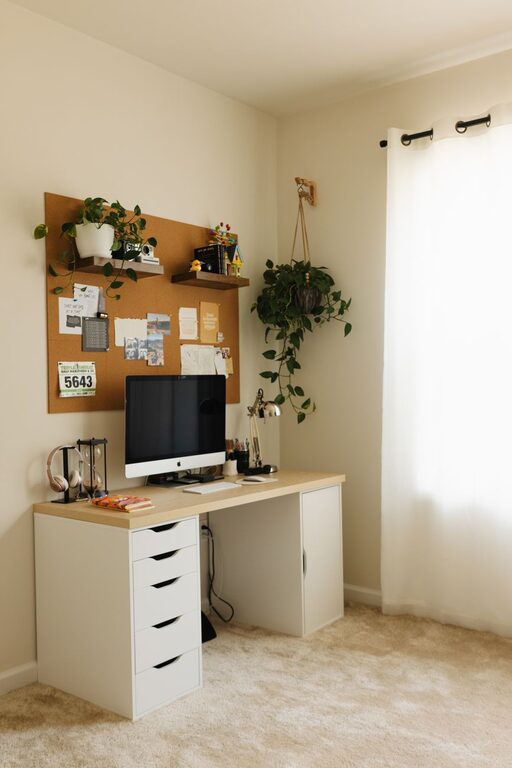
Wall-mounted shelves, pegboards, or corkboards can hold frequently used tools and keep your desk clear. This uses vertical space efficiently while keeping items visible and accessible.
Drawer Organizers and Containers
Use small bins or trays inside drawers to separate pens, paperclips, and other small office supplies. Label these containers to quickly find what you need without digging through clutter.
File Management Systems
Organize important papers in labeled folders or filing cabinets. For digital documents, create folders on your computer with clear names and back up files regularly.
Maintain Cable Management
Use Cable Clips and Sleeves
Keep cords from tangling by bundling them together with cable sleeves or clips. This not only looks neater but also reduces the frustration of unplugging the wrong device.
Charge Stations
Designate a spot for charging your devices, so chargers and cables don’t scatter around your desk.
Personalize Without Overcrowding
Add a Few Personal Touches
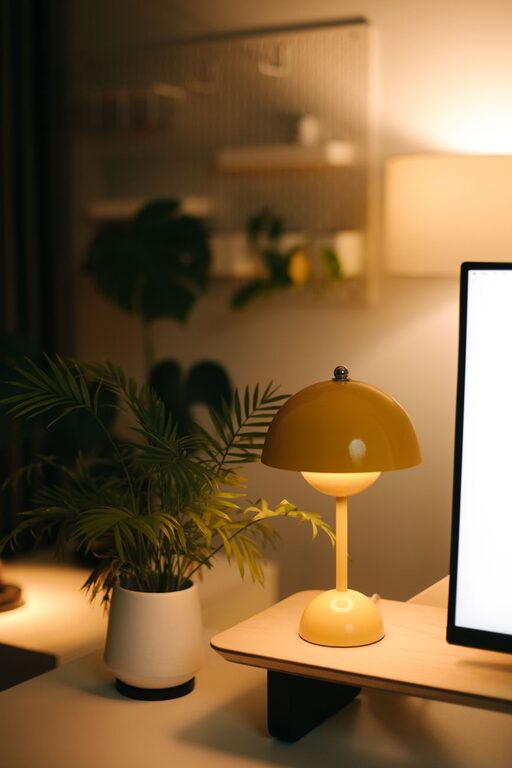
Include one or two items that inspire you, like a favorite photo, a small plant, or a motivational quote. These touches can make your workspace inviting without distracting you.
Avoid Overdecorating
Too many decorations can create visual clutter, so keep it simple and intentional.
Create a Daily Cleaning Habit
End-of-Day Tidy-Up
Spend 5-10 minutes at the end of each day putting things back where they belong. This habit prevents clutter accumulation and helps you start fresh tomorrow.
Weekly Deep Clean
Once a week, do a more thorough organizing session. Wipe surfaces, sort through new papers, and reassess your storage needs.
Use Technology Wisely
Digital To-Do Lists and Calendars
Use apps to track tasks and deadlines instead of sticky notes everywhere. This keeps your desk free and your schedule organized.
Minimize Distractions
Turn off notifications unrelated to your work or use a focus mode to stay in the zone while working.
Optimize Your Workflow
Prioritize Ergonomics
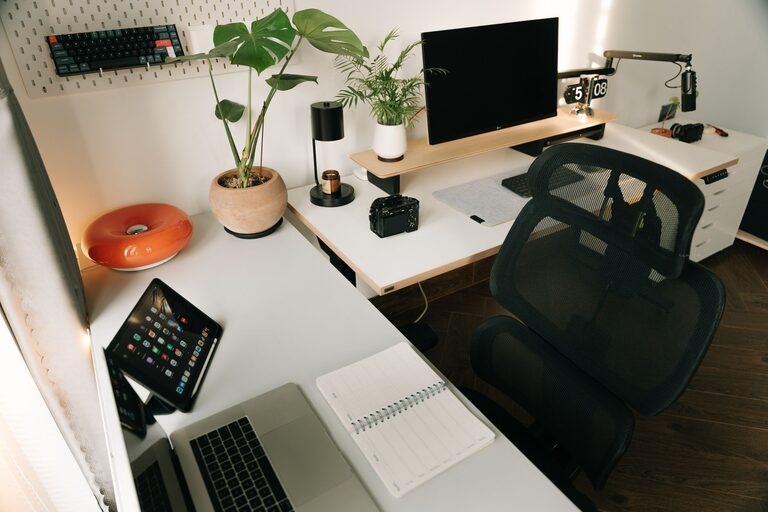
Arrange your monitor at eye level, keep your keyboard and mouse within easy reach, and consider using a wrist rest to reduce strain.
Keep Frequently Used Items Within Reach
Organize your most-used tools and documents close to your workspace to maximize efficiency.
Separate Work and Leisure Items
Avoid mixing non-work items in your workspace to keep your mind focused.
—
By following these tips, you can create a home workspace that is both organized and efficient. This will not only help minimize frustrations but will also encourage a healthy routine and improved productivity. Remember, the key to a lasting clutter-free space is maintaining small, regular habits combined with thoughtful organization.
About the Author