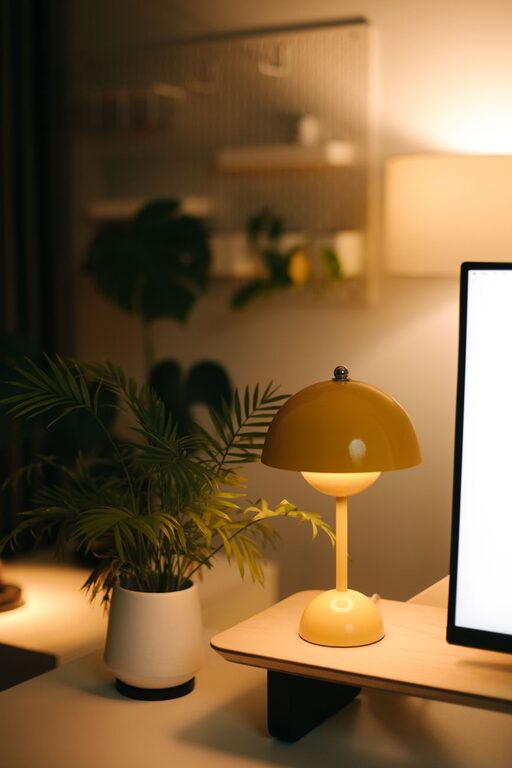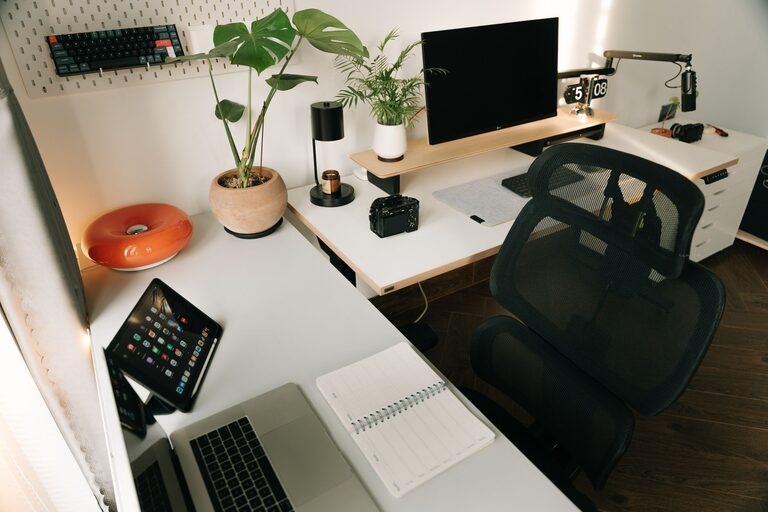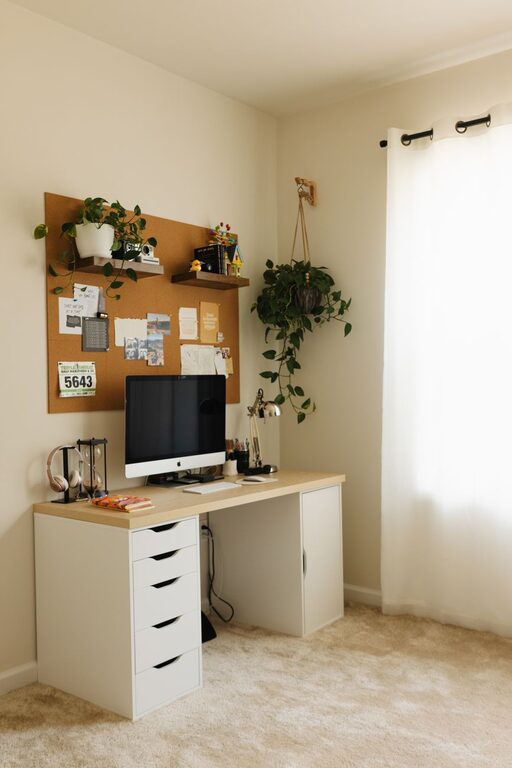

Having a well-organized, clutter-free workspace can dramatically improve the way you work. Whether you’re working from home or in a traditional office, a neat and tidy environment helps reduce distractions, increase focus, and foster creativity. If you’ve ever found yourself overwhelmed by piles of paper or tangled cords on your desk, this post is for you.
Below are practical tips to help you organize your workspace and maintain that calm, productive environment.
Why a Clutter-Free Workspace Matters
A cluttered desk can make it difficult to find important documents and supplies, causing frustration and wasted time. It can also affect your mental clarity, making it harder to focus on tasks and think creatively. By organizing your space, you create an atmosphere that supports your workflow and creativity.
Step 1: Clear Everything and Start Fresh
To begin, clear your entire desk and surrounding area. Remove everything and clean the surface thoroughly. This fresh start allows you to rethink how your workspace works for you.
Sort and Categorize
As you remove items, sort them into categories:
– Frequently used items (pens, notepad)
– Occasionally used items (reference books, printer)
– Rarely used or unnecessary items
This will help you decide what stays near you and what can be stored elsewhere or discarded.
Step 2: Use Effective Storage Solutions
Proper storage is key for maintaining an organized workspace without clutter piling up again.
Desk Organizers
Use drawer organizers, pen holders, and file trays to keep small items in order. These tools help you find what you need quickly without making your desk look messy.
Shelves and Cabinets
If you have extra space, install shelves or use storage cabinets for books, binders, and equipment. Keeping things off your main desk surface frees up room and reduces visual clutter.
Digital Storage
Don’t forget your digital workspace! Organize files into folders and back them up regularly to avoid digital clutter that slows your workflow.
Step 3: Manage Paperwork Efficiently
Paper clutter is one of the main causes of desk messiness. Here’s how to keep it under control:
– Go Paperless When Possible: Use digital notes and documents to reduce physical copies.
– Implement a Filing System: Assign folders for bills, receipts, and project documents. Label everything clearly.
– Regularly Purge Unneeded Papers: Set aside time each week or month to sort and discard papers you no longer need.
Step 4: Tame Your Cables
Messy cords can make any workspace look chaotic.
– Use cable organizers, clips, or sleeves to bundle cables together.
– Label your cords to quickly identify them.
– Consider wireless devices to minimize cords on your desk.
Step 5: Keep Personal Items Minimal and Meaningful
While personal touches make a workspace inviting, too many can create clutter.
– Choose a few meaningful items like a small plant, photo, or artwork.
– Rotate personal items occasionally to keep the space fresh without overwhelming it.
Step 6: Develop Daily and Weekly Habits
Maintaining a clutter-free workspace requires consistent effort.
– Spend 5 minutes at the end of each day tidying your desk.
– Weekly, do a more thorough check: file papers, wipe down surfaces, and reorganize as needed.
These habits make cleaning manageable and prevent clutter from building up again.
Step 7: Optimize Your Workspace Layout
Arrange your desk so that commonly used items are within easy reach.
– Position your computer ergonomically to reduce strain.
– Keep your most-used tools at the front of your desk.
– Adjust lighting to create a comfortable environment that inspires productivity.
Step 8: Create Zones for Different Tasks
If your work involves varied activities, designate areas or “zones” for different tasks, such as:
– A writing or computer work zone
– A reference or reading area
– A place for brainstorming or creative thinking
Having clear zones helps shift your mindset and focus depending on the task.
Final Thoughts
A clutter-free workspace doesn’t just look better — it supports your efficiency and creativity. By regularly organizing, using smart storage, and maintaining good habits, you’ll create a workspace that motivates and inspires you every day.
Try implementing even a few of these tips, and notice how your productivity and creativity improve over time. Happy organizing!
About the Author